Zero UI Revolution: How Voice, Gesture & AI Transform Digital Interfaces in 2025
August 3
Published

Nazar Verhun
CEO & Lead Designer at MyPlanet Design

Zero UI Revolution: How Voice, Gesture & AI Transform Digital Interfaces in 2025
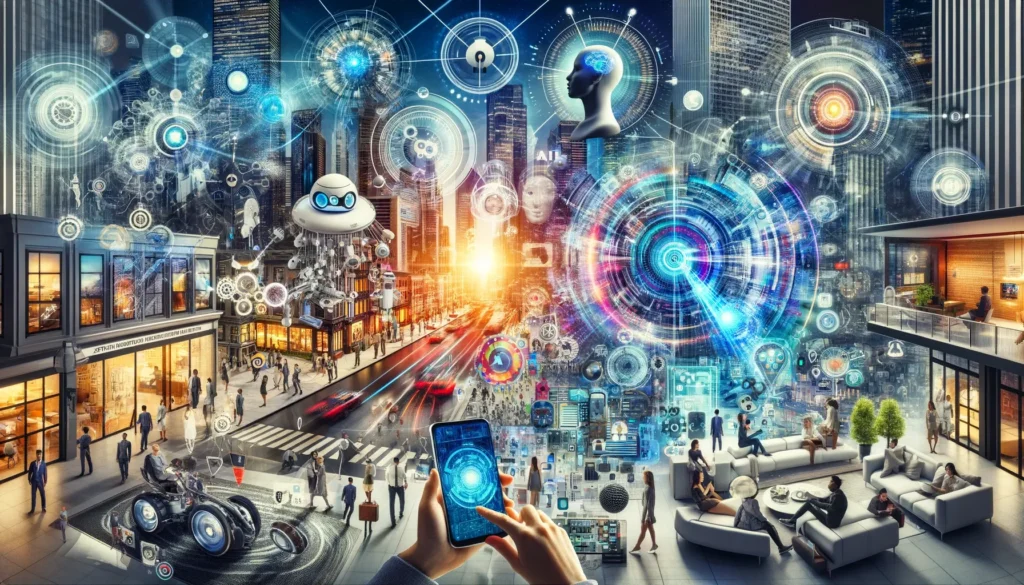
The Zero UI revolution is fundamentally reshaping how we interact with technology, moving beyond traditional buttons and screens toward invisible, intuitive interfaces. This paradigm shift represents the ultimate goal of user experience design—making technology so seamless that it becomes virtually invisible.
Zero UI design eliminates the friction between humans and technology by leveraging voice interfaces, gesture recognition, and artificial intelligence to create more natural interaction patterns. Instead of navigating complex menus or tapping endless buttons, users can simply speak, gesture, or let AI anticipate their needs.

What is Zero UI? The Future of Invisible Technology
The rise of zero interface transforms how users interact with technology, completely eliminating reliance on traditional buttons and menus. This revolutionary approach prioritizes natural user interactions through voice commands, body movements, and predictive AI systems that understand user intent without explicit input.
Revolutionary Technologies Driving Zero UI Innovation
1. Advanced Voice Assistants: The New Digital Companions
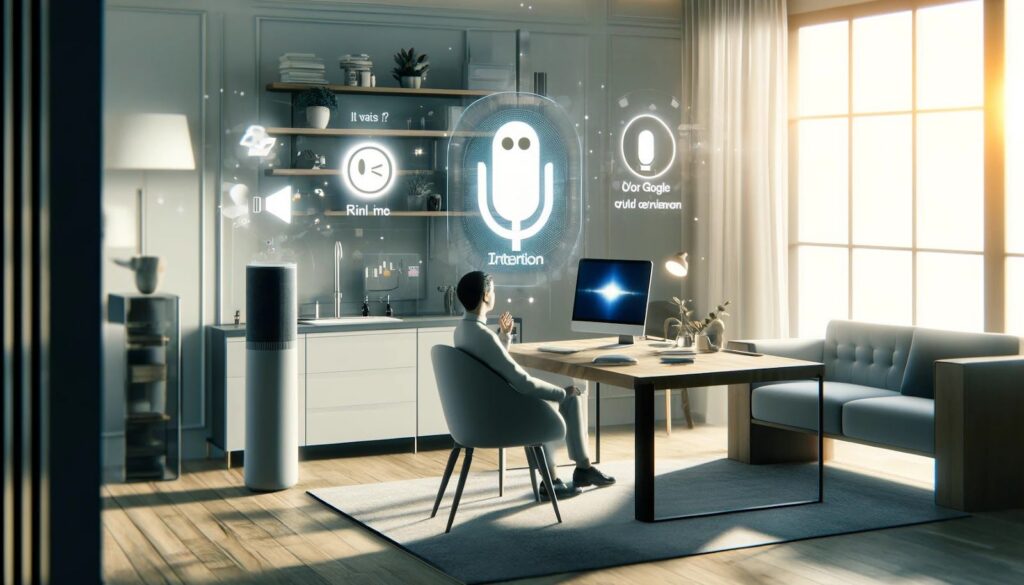
Voice assistants like Siri, Google Assistant, and Amazon Alexa have evolved into sophisticated AI-powered interfaces capable of understanding complex user intent, context, and nuanced conversations. These platforms now support:
- Natural Language Processing: Understanding conversational speech patterns
- Contextual Awareness: Remembering previous interactions and preferences
- Multi-Language Support: Seamless communication in various languages
- Smart Home Integration: Controlling entire ecosystems of connected devices
- Predictive Assistance: Anticipating user needs based on behavior patterns
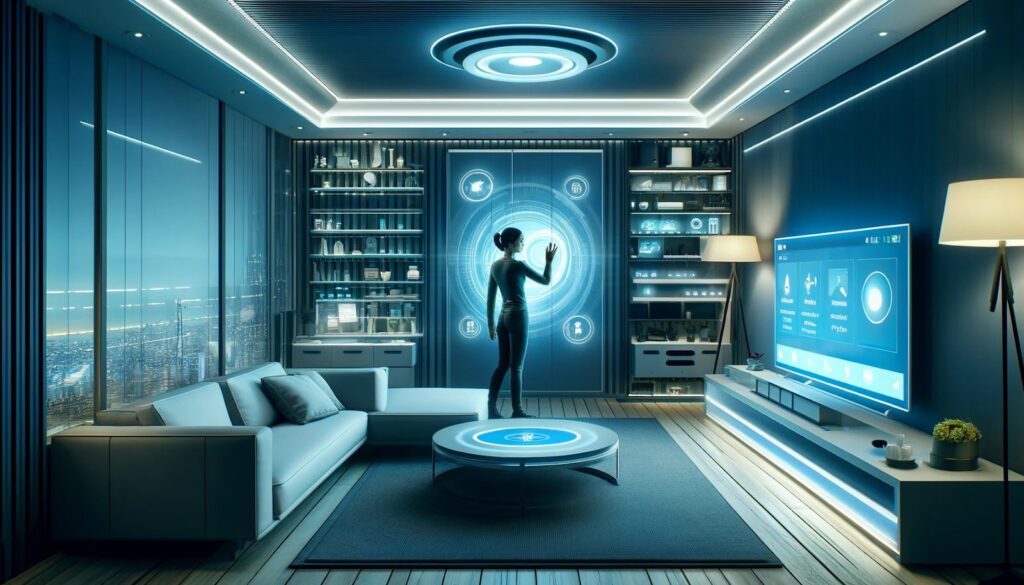
2. Gesture Recognition: Control Through Movement
Gesture recognition technology enables users to control devices through natural body movements, creating intuitive control systems that feel like magic. Modern implementations include:
- Hand Tracking: Precise finger and palm movement detection
- Eye Tracking: Gaze-based navigation and control
- Body Pose Recognition: Full-body gesture interpretation
- Air Gestures: Contactless interface control
- Facial Expression Recognition: Emotion-based interface adaptation
3. Next-Generation Voice Interfaces: Beyond Simple Commands
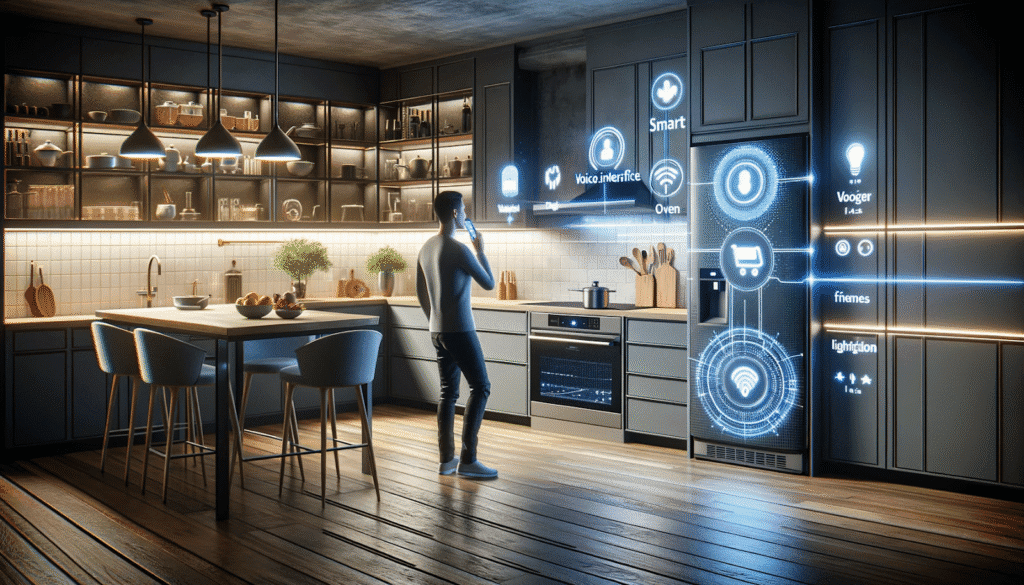
Advanced voice recognition technology now supports complex, multi-step tasks through sophisticated conversational AI interfaces:
- Complex Task Execution: Multi-step processes through single voice commands
- Contextual Understanding: Interpreting ambiguous requests correctly
- Emotional Intelligence: Detecting user mood and responding appropriately
- Background Listening: Always-ready activation without wake words
- Voice Biometrics: Personalized experiences based on voice recognition
Sociocultural Impact: Zero UI for Everyone
The IoT Ecosystem Revolution
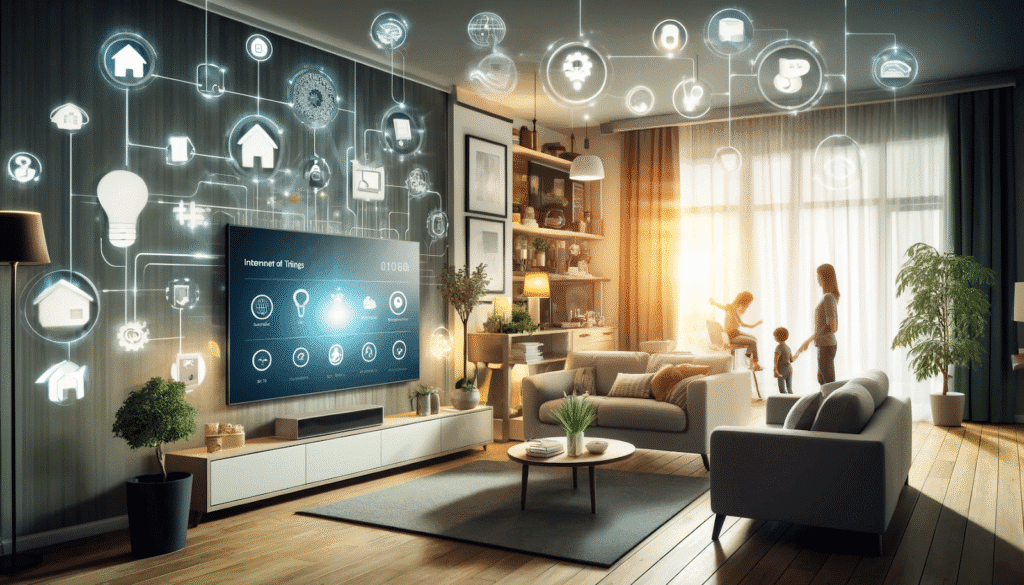
The exponential growth of Internet of Things (IoT) devices is accelerating zero interface adoption as users demand seamless control over their connected environments. Smart homes now feature:
- Unified Voice Control: Single commands controlling multiple devices
- Ambient Computing: Technology that responds to environmental cues
- Predictive Automation: Systems that learn and anticipate user needs
- Cross-Device Synchronization: Seamless experience across all platforms
Accessibility Through Zero UI Design
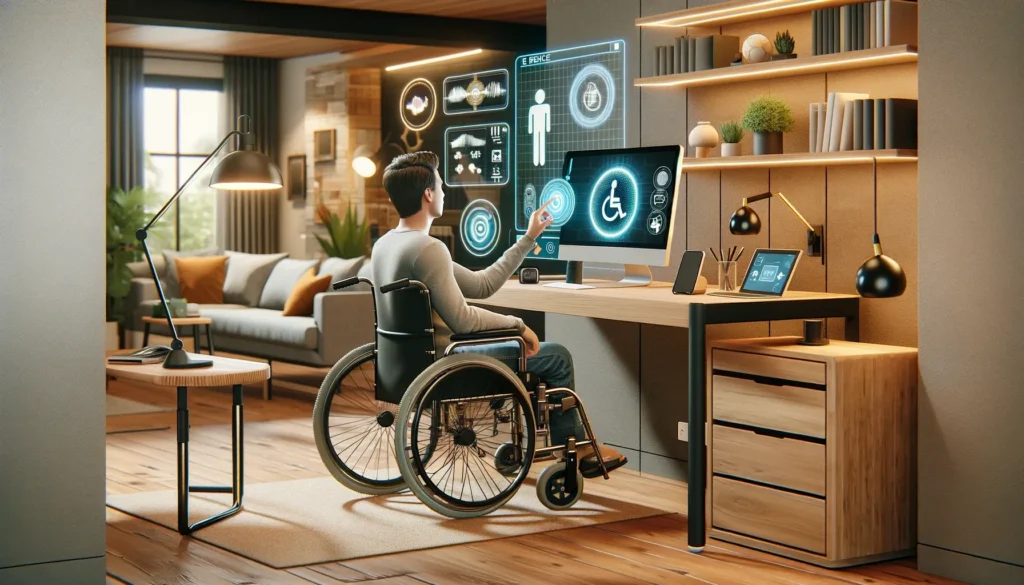
Zero interface technology dramatically improves digital accessibility, providing inclusive design solutions for users with diverse abilities:
- Motor Impairment Support: Voice and eye-tracking alternatives to physical interaction
- Visual Impairment Assistance: Audio-first interfaces with spatial sound design
- Cognitive Accessibility: Simplified interaction patterns that reduce cognitive load
- Universal Design Principles: Interfaces that work for everyone, regardless of ability
Deepening the reproduction of reality with the help of sound and visual interfaces
Deepening copying reality is a key aspect of creating the zero interface. Through combining audio and visual interfaces, users can interact with technology in a more natural and effective way, allowing for an engaging and immersive experience.

Sound interfaces
Sound is an important part of the user interface. Sound can convey various meanings and serve different purposes in an interaction.
The sound can be turned into your own signature sound so people can recognize your app without even seeing it, creating your own “hook”. When the sound makes the right impression, you gain a lot with little effort. In this chapter, we’ll teach you how to find and create great UI sounds and when to use them for maximum effectiveness.

One of the simple examples of the use of audio interfaces is voice assistants such as Amazon Alexa. Thanks to this technology, users can perform various actions by using voice commands.
For example, with the snap of your fingers, if you’re making dinner and need to check a recipe, you can turn to Amazon Alexa and say, “Alexa, find a burger recipe.” The assistant will find a suitable recipe and vote for it, helping you prepare the dish step.
For a night out, when you want to check the weather before you go out, say, “Alexa, what’s the weather today?” and get a quick and accurate answer without having to take out your smartphone or watch the news on TV.
These examples show how audio interfaces make interacting with technology more convenient and accessible, allowing users to use their devices in their daily lives.

Visual interfaces
Visual interfaces play a key role in the zero interface, providing users with a convenient way to interact with technology through displaying information and interacting with elements on the screen.

Augmented reality
AR technology allows you to reproduce objects and information in the real world, expanding it with the help of visual elements. For example, AR applications for mobile devices allow users to view virtual objects in their environment, such as furniture in a virtual room or animated objects on the street.

Visual elements of the interface
The minimalist and aesthetic design of visual elements allows users to perceive information and interact with the interface. For example, the designers create interface elements such as icons, buttons, and text with simplicity and clarity in mind to ensure ease of use.
One of the real-world examples of the use of visual interfaces is mobile applications for augmented reality (AR). For example, the IKEA Place app uses AR to help users example show decor for their space.
When using this app, the user can simply point their smartphone camera at a space in their home, and the app will display the selected furniture on a real scale. For example, you can see how a new sofa or table will look in your living room without wasting time on rearranging the furniture.
This example demonstrates how visual interfaces such as AR help users take control of technology through a simple and intuitive way of interacting, allowing them to better determine what decisions to make in their daily lives.

Integration of artificial intelligence in the null interface
Personalization
Zero UI personalization refers to creating customized user experiences based on their individual preferences, past interactions, and current context of use. Artificial intelligence systems provide users with personalized content that meets their needs, as well as personalized recommendations for products, services, or content. Also, personalization of the interaction considering the communication styles of the user helps to make the interaction with technologies more effective and pleasant. All this makes interaction with a zero interface more connected and satisfying for users, increasing their satisfaction and loyalty to products and services.

Automation
Zero-interface automation refers to the use of artificial intelligence systems to automate various aspects of user interaction to create a seamless and efficient technology experience.
This approach includes the automatic processing of user requests, which allows to reduce the waiting time for a response and improves the speed of service. For example, chatbots in online stores can use artificial intelligence to answer user questions and provide information about products or services.
Also, automation can be applied to data analysis and decision-making processes. Artificial intelligence systems can analyze large amounts of data to identify trends and make predictions, allowing companies to make more informed decisions about development and marketing strategies.
The use of automation in a zero interface simplifies interaction with technologies and ensures more efficient and error-free solving of tasks, which makes the use of products and services even more convenient and pleasant for users.
When considering the trends of the future of the zero interface, it is impossible to ignore the role of artificial intelligence (AI) develop this direction. Artificial intelligence plays a key role in the personalization and automation of UX/UI design, enabling the creation of more intelligent and effective user interfaces. Learn more about this topic in the article https://www.designrush.com/agency/ui-ux-design/trends/zero-ui
The Future is Invisible: Implementing Zero UI Successfully
Zero UI design represents the ultimate evolution of user experience, where technology becomes so intuitive that it essentially disappears. The convergence of artificial intelligence, augmented reality, voice interfaces, and gesture recognition creates unprecedented opportunities for seamless digital interaction.
Key Success Factors for Zero UI Implementation:
- User-Centered Design: Deep understanding of user behaviors and needs
- Contextual Intelligence: Systems that understand when and how to respond
- Privacy by Design: Invisible interfaces that respect user data boundaries
- Accessibility First: Inclusive design that works for all users
- Performance Optimization: Instant response times that feel natural
Business Impact of Zero UI Adoption:
-
- Increased User Engagement: More natural interactions lead to higher satisfaction
- Reduced Training Costs: Intuitive interfaces require minimal learning
- Enhanced Accessibility: Broader user base through inclusive design
- Competitive Advantage: Early adopters gain significant market benefits
- Improved Brand Perception: Cutting-edge technology enhances brand image
Ready to Transform Your Digital Experience? At MyPlanet Design, we specialize in creating revolutionary zero UI interfaces that eliminate friction between users and technology. Our expert team combines AI-powered design, voice interface development, and gesture recognition systems to create the invisible interfaces of tomorrow.
Start Your Zero UI Journey Today
Contact our UX innovation team to discover how zero interface design can revolutionize your digital products and create experiences that feel like magic to your users.
The future of interface design is invisible—let’s make it real together.