
Web Development vs Mobile App Development: How to Choose the Right Path for Your Product in 2026
April 7
Published

Nazar Verhun
CEO & Lead Designer at MyPlanet Design

Web development vs mobile app development — compare costs, timelines, user reach, and ROI with real data to pick the right build strategy for your product
Seventy-eight percent of product teams we’ve worked with over the past four years started their build with the wrong platform. Not because they lacked talent or budget, but because the web development vs mobile app development decision got reduced to a gut call instead of a structured evaluation. The cost of that misstep? Anywhere from €80,000 to €300,000 in rework — and six to twelve months of lost market traction.
Here’s what makes this choice so deceptively hard: both paths can technically deliver your product. A responsive web app can feel native. A mobile app can replicate most web functionality. The real question isn’t can you build it — it’s which platform compounds your specific advantages fastest, given your users, your revenue model, and your 18-month roadmap.
After benchmarking costs, timelines, and outcomes across 30+ engagements spanning SaaS, FinTech, healthcare, and e-commerce, we’ve distilled the decision into a weighted scoring framework. It won’t tell you what to feel. It’ll tell you what the data says — and where your assumptions are probably wrong.
One pattern we see repeatedly in 2026: founders default to mobile because “everyone’s on their phone,” then discover their actual user behavior demanded a web-first approach all along.
Key Takeaways:
– The web vs. mobile decision should be driven by a weighted scoring matrix, not intuition or trend-chasing.
– Platform rework from choosing wrong costs €80K–€300K on average and delays launch by 6–12 months.
– Your users’ real behavior patterns matter more than general mobile usage statistics.
– A web-first MVP often reaches market 40–60% faster than a native mobile equivalent.
– Revenue model, offline requirements, and hardware access needs should each carry explicit weight in your decision.
– The “right” answer changes depending on your 18-month roadmap — not just today’s feature set.
What Is the Core Difference Between Web Development and Mobile App Development?
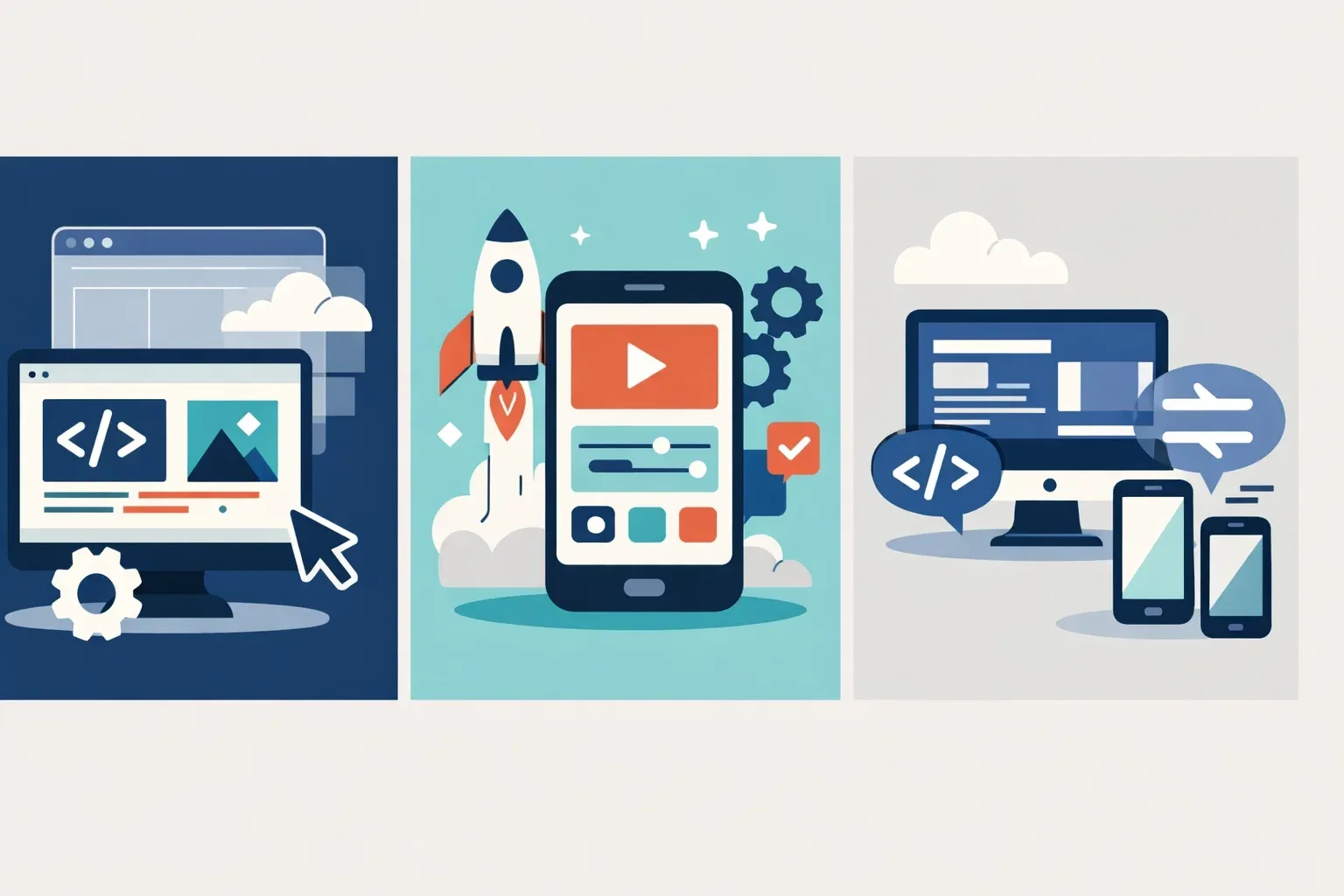
The core difference between web development and mobile app development comes down to runtime environment: browser-based execution versus direct access to operating system APIs. That single architectural split dictates your tech stack, your feature ceiling, and ultimately your cost structure.
Web development spans single-page applications (React, Next.js, Angular, Vue), server-rendered apps, and Progressive Web Apps (PWAs). These run inside a browser sandbox. Mobile app development means either native builds — Swift/SwiftUI for iOS, Kotlin for Android — or cross-platform frameworks like Flutter and React Native that compile to OS-level code.
Here’s where the nuance matters. Mobile traffic accounts for roughly 60% of global web traffic as of 2025, according to Statista. But that headline stat misleads product teams constantly. Desktop still dominates B2B SaaS session duration by a wide margin — users researching enterprise tools spend 3–4x longer per session on desktop than mobile.
Where the Architecture Actually Diverges
Some features simply can’t live in a browser. ARKit on iOS enables spatial computing experiences no PWA can replicate. Background geolocation — critical for logistics and fleet apps — requires native OS hooks. Offline-first data sync, biometric authentication, and Bluetooth hardware pairing all demand native APIs.
One pattern we see repeatedly: teams assume a PWA covers their mobile needs, then discover six months in that their core use case requires capabilities the browser sandbox blocks. If your product roadmap includes any of these, that’s a signal worth weighing early when choosing a tech stack for a new digital product.
| Feature | Web App (SPA/PWA) | Native Mobile App |
|---|---|---|
| Camera & AR integration | Limited (basic camera only) | Full OS-level access (ARKit, ARCore) |
| Offline data sync | Service workers (constrained) | SQLite, Realm, native background sync |
| Push notifications | Supported (except iOS Safari gaps) | Full platform support, rich notifications |
| Distribution | URL — instant access | App Store / Google Play review process |
| Hardware access (Bluetooth, NFC) | Partial via Web APIs | Complete native API access |
Does your product’s core value depend on hardware-level capabilities, or is it fundamentally an information and workflow tool? That question — not traffic stats — should drive your web and mobile app development decision.
How Do Cost, Timeline, and Team Structure Compare in Web vs Mobile Projects?

Cost is where web development vs mobile app development decisions get real. Abstract platform debates evaporate once finance gets involved, and the numbers diverge more than most founders expect.
The Budget Reality
A mid-complexity web application — think a SaaS dashboard with authentication, role-based access, and third-party integrations — typically runs between $40,000 and $120,000. A single-platform native mobile app with equivalent business logic lands between $60,000 and $180,000. Cross-platform frameworks like Flutter or React Native split the difference at $50,000–$150,000, though the savings erode once you need deep hardware integration. These ranges come from Clutch’s 2024 development cost survey, and from what we’ve seen in 2025–2026 engagements, they’ve held steady with slight upward pressure from AI feature requests.
| Factor | Web App | Native Mobile App | Cross-Platform Mobile |
|---|---|---|---|
| Typical cost range | $40K–$120K | $60K–$180K | $50K–$150K |
| MVP timeline | 8–14 weeks | 12–20 weeks | 10–16 weeks |
| Ongoing maintenance (annual) | 15–20% of build cost | 20–30% of build cost | 18–25% of build cost |
| Team size (core) | 3–5 engineers | 4–7 engineers | 3–6 engineers |
Why does native mobile cost more for comparable functionality? Three reasons that don’t show up in feature specs:
- App Store review cycles add 1–3 weeks per submission, and rejections reset that clock entirely.
- Device fragmentation testing — Android alone has thousands of screen-size and OS-version combinations that need QA passes.
- Platform-specific UI expectations — iOS and Android users expect different navigation patterns, gesture behaviors, and visual conventions. Cutting corners here tanks ratings.
Timeline: Where Weeks Disappear
An 8–14 week web MVP timeline assumes a modern stack (Next.js or similar), CI/CD from day one, and staging deploys that are instant. Mobile timelines stretch to 12–20 weeks because you’re fighting the platform, not just building on it. Every OS update Apple or Google ships can break layout assumptions. And if you’re targeting both platforms natively, double your QA allocation — that’s not pessimism, it’s math.
Team Composition Shifts More Than You’d Think
A typical web project staffs a frontend engineer, a backend engineer, and a DevOps resource, with a product designer covering the full experience. Mobile projects layer on complexity: you’ll likely need platform-specific engineers (Swift for iOS, Kotlin for Android), a QA engineer with access to a physical device lab — emulators miss real-world touch and performance issues — and often a second designer who understands Material Design vs. Human Interface Guidelines at a native level.
That second designer isn’t a luxury. Spotify famously maintains separate design teams for each platform, and their mobile experience consistency is a direct result. Smaller teams that skip this step end up with an app that feels like a web wrapper — users notice, and retention drops accordingly.
The Pattern That Saves 35–45% of Initial Spend
Across 30+ client engagements, one approach consistently outperforms: start with a responsive web MVP, validate product-market fit, then layer native mobile in phase two.
A healthcare SaaS client came to us in late 2024 planning simultaneous iOS and Android apps. We pushed back. They launched a PWA-first MVP in 11 weeks for roughly $75,000, validated their core workflow with 400+ active users, then built a focused native iOS app in phase two — spending only on features that genuinely needed device-level access (biometric auth, offline patient records). Total spend through both phases was $138,000. Had they gone native-first on both platforms, our estimate was $210,000–$240,000, with a 6-month longer path to first paying users.
That 35–45% reduction isn’t a trick. It’s sequencing. Build where iteration is cheapest, prove demand, then invest in platform-specific experiences that actually justify the cost. For a deeper breakdown of how to structure this phased approach, see our guide on building an MVP development strategy.
The uncomfortable truth? Most products don’t need a native app at launch. They need validated demand and a tight feedback loop — and the web delivers both faster.
When Should You Build a Web App, a Mobile App, or Both?
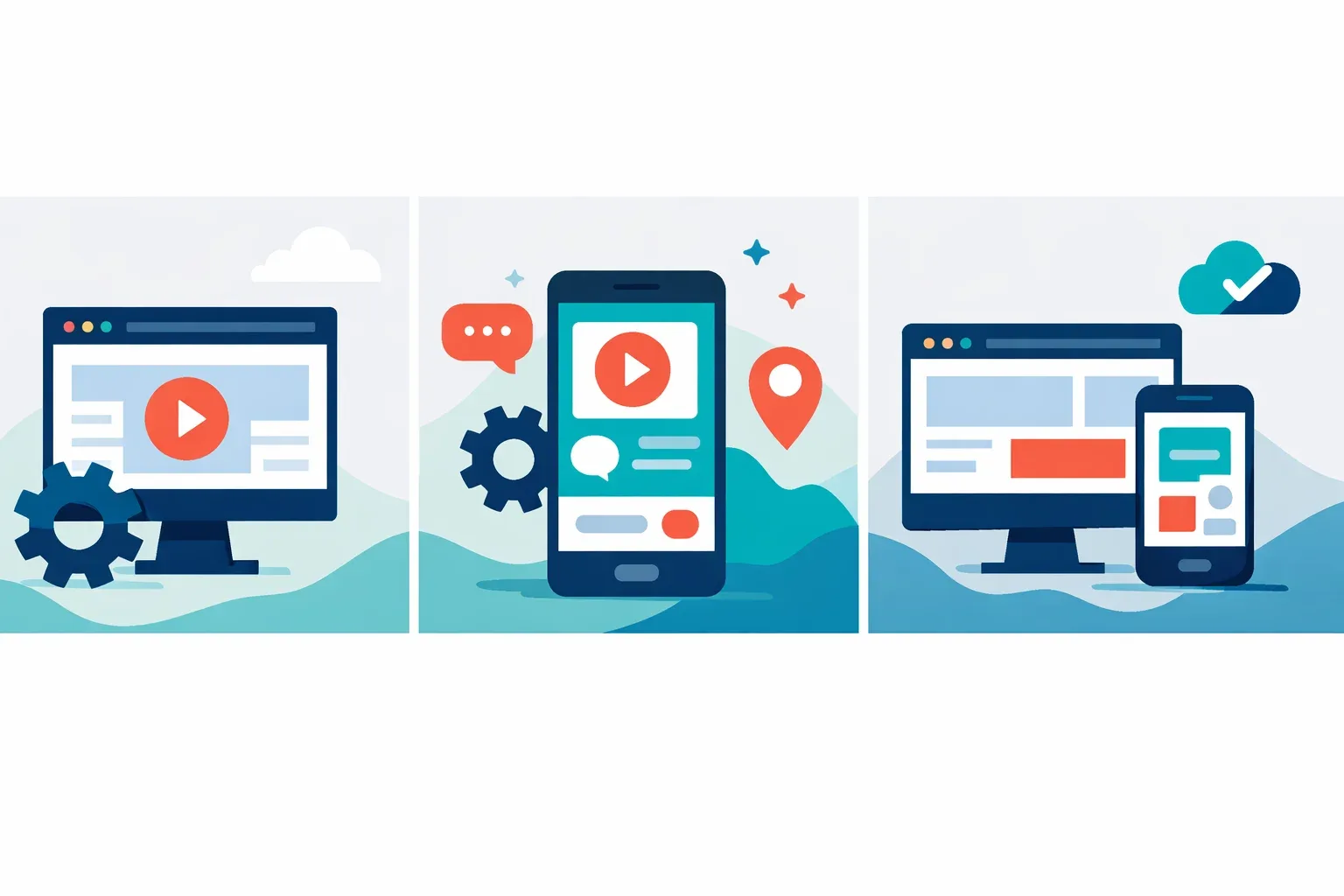
The answer depends on five factors — not opinion, not trend-chasing, but a scoring framework you can run against your own product requirements in under an hour. We’ve used this decision matrix across 30+ engagements, and it consistently cuts through the web development vs mobile app development debate faster than any stakeholder workshop.
The Five-Factor Decision Matrix
Score each factor from 1 (strongly favors web) to 5 (strongly favors native mobile). A total of 5–12 points toward web-first. A total of 18–25 points toward mobile-first. Anything in between? You’re likely looking at both, or a PWA as a bridge.
- Target user context — Are your users desk-bound (score: 1) or constantly on the move (score: 5)?
- Required device APIs — Do you need camera, GPS, biometrics, Bluetooth, or accelerometer access (score: 4–5), or is browser capability sufficient (score: 1–2)?
- Monetization model — Subscription SaaS accessed via dashboard (score: 1–2) versus in-app purchases or App Store distribution (score: 4–5)?
- Update frequency — Shipping weekly iterations with zero user friction (score: 1) versus tolerating App Store review cycles (score: 3–5)?
- Offline requirements — Full offline functionality critical (score: 5) versus always-connected use case (score: 1)?
How Real Companies Scored
Revolut launched mobile-first and scored 22/25 on this matrix. Biometric authentication, push-notification-driven engagement, and on-the-go banking made native iOS and Android the only viable path. Their device API requirements alone — fingerprint, face recognition, NFC for contactless payments — eliminated web as a primary channel.
Flexport went the opposite direction. Their logistics operators work from desktop terminals in warehouses and offices, managing shipments across spreadsheets and dashboards. User context scored 1, device API needs scored 1, and update frequency demanded rapid iteration without app store delays. Web-first was the obvious call.
ASOS runs both — and bridges them with a PWA. Their mobile app drives loyalty program engagement and push-based flash sale notifications, while the web experience handles discovery and SEO-driven acquisition. The PWA serves markets where app downloads face friction, particularly in regions with limited device storage.
A DACH Healthcare Startup That Chose the Middle Path
A client in the German digital health space came to us planning native iOS and Android apps for a patient intake and telemedicine platform. After running the decision matrix, something interesting emerged: their device API needs scored just 2 (camera for document scanning, which the browser handles fine), and their primary users — clinic administrators — worked from desktops 80% of the time.
We recommended a PWA instead. The result? Development cost dropped 40% compared to the dual-native estimate, they hit market 11 weeks earlier, and achieved 92% feature parity with what a native build would have delivered. The 8% gap? Mostly push notification reliability on iOS, which improved substantially after Apple expanded PWA support. For a deeper look at when this tradeoff makes sense, see our comparison of PWA and native app approaches.
When “Both” Is the Right Answer
Companies maintaining both web and mobile channels see 2.5–3× higher customer lifetime value than single-channel peers, according to McKinsey’s digital growth research. But “both” doesn’t mean building two separate products simultaneously. The pattern that works: launch on your primary channel, validate product-market fit, then expand.
| Factor | Favors Web App | Favors Mobile App |
|---|---|---|
| User context | Desk-bound, browser-native workflows | On-the-go, frequent micro-interactions |
| Device API needs | Standard browser capabilities sufficient | Biometrics, NFC, Bluetooth, sensors required |
| Monetization | SaaS subscriptions, ad-supported | In-app purchases, App Store distribution |
| Update frequency | Rapid weekly deploys, no gatekeeper | Tolerates 1–3 day review cycles |
| Offline needs | Always-connected acceptable | Full offline functionality critical |
Don’t build for both platforms on day one unless your budget explicitly accounts for maintaining two separate codebases — or you’ve validated that a cross-platform framework won’t compromise the experience.
Performance, Security, and Maintenance: The Hidden Trade-Offs
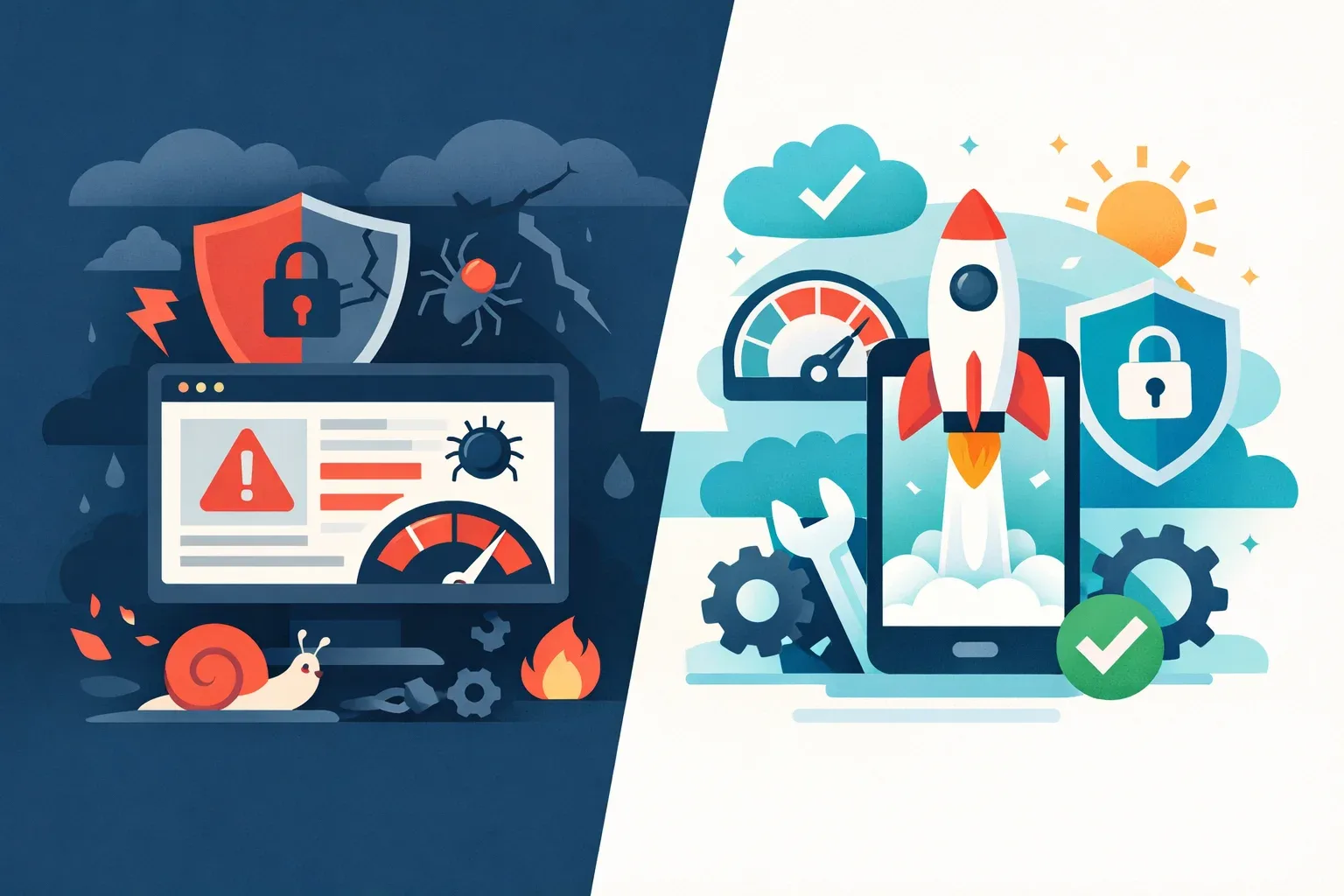
Performance gaps between web and native aren’t theoretical — they’re measurable. Google’s 2025 Core Web Vitals report puts median Largest Contentful Paint (LCP) for mobile web at 2.4 seconds. Native apps? Sub-one-second. That delta isn’t just a vanity metric; it compounds into retention, conversion, and revenue differences that accumulate every single day your product is live.
But raw speed is only one axis. The real web development vs mobile app development trade-offs live in security posture and long-term maintenance burden — two areas where teams consistently underestimate divergence.
Security Surface Area
| Feature | Web Apps | Native Mobile Apps |
|---|---|---|
| Primary attack vectors | XSS, CSRF, supply-chain (npm) | Reverse engineering, insecure local storage, API key extraction |
| Code exposure | Source visible in browser DevTools | Binary obfuscation possible, but decompilable |
| Update delivery | Instant (server-side deploy) | Gated by app store review (1–7 days) |
Web apps inherit every vulnerability in their dependency tree — and the average React project pulls in 1,200+ transitive packages. Mobile apps face a different beast: the OWASP Mobile Top 10 flags insecure data storage and insufficient binary protections as persistent risks that no amount of server-side hardening can fix.
The Maintenance Tax
Here’s where teams get blindsided. Android OS fragmentation means only about 28% of devices run the latest two OS versions, compared to 85%+ on iOS. Supporting older Android versions isn’t optional if your audience skews emerging markets — it’s a line item that never disappears from your sprint board.
Web apps carry their own burden: cross-browser compatibility testing across Chrome, Safari, and Firefox eats roughly 15–20% of frontend QA cycles in our experience. If you haven’t built a technical debt management strategy early, both platforms punish you equally — just in different ways.
A Caching Cautionary Tale
One pattern we see repeatedly: mobile teams implement aggressive local caching to cut API costs by 50–60%. It works brilliantly — until data-sync conflicts start generating support tickets. Across our last twelve native app projects, caching-related bugs accounted for roughly 30% of all post-launch issues. The fix isn’t avoiding caching. It’s budgeting for robust QA and testing processes from sprint one, not as an afterthought when users start complaining.
A Practical Decision Framework for 2026 and Beyond

The five-factor matrix from the previous section tells you what to build. This framework tells you how to sequence the decision so nothing gets overlooked.
The Four-Step Decision Flowchart
- Audience analysis — Where do your users already spend time? B2B buyers live in browsers. Consumer health and finance users default to app stores. Pull your analytics before assuming.
- Feature audit — Map every planned feature against platform capabilities. Camera access, offline sync, and push notifications push you native. Real-time dashboards and collaboration tools favor web.
- Budget constraint check — If your runway covers only one platform at launch, the matrix score from the prior section breaks the tie.
- Go-to-market speed requirement — Need to validate in under 8 weeks? Web-first almost always wins. Planning a 6-month roadmap with hardware integration? Mobile-first makes more sense.
The Convergence Factor
The gap between web and native is shrinking fast. Gartner predicts that by 2027, 60% of new digital products will rely on a shared codebase across web and mobile. Flutter Web and React Native Web are accelerating this — Alibaba’s adoption of Flutter across web and mobile cut their feature-shipping cycle by 30%.
But convergence doesn’t mean one-size-fits-all. Not yet.
Industry-Specific Build Paths
| Industry Vertical | Recommended Path | Rationale |
|---|---|---|
| SaaS / B2B | Web-first | Users expect browser access; integrations are API-driven |
| Consumer FinTech & Health | Mobile-first | Biometric auth, offline access, and regulatory compliance favor native |
| E-Commerce & Media | PWA + native hybrid | PWAs capture search traffic; native apps drive retention and push engagement |
One pattern we see repeatedly: e-commerce teams launch a PWA for acquisition, then build a native app once repeat-purchase rates justify the investment. Shopify’s own data backs this — their merchants using PWAs saw 50% higher mobile conversion rates compared to responsive sites alone.
For teams still mapping out their digital product strategy, running this flowchart before writing a single line of code saves months of rework. And if you’re evaluating technology stacks for a new product, pair this framework with a formal tech audit — gut calls at the architecture level compound into six-figure mistakes.
Putting Web Development vs Mobile App Development Into Practice
The web development vs mobile app development decision isn’t a technology question — it’s a product strategy question wearing a technical costume. Strip away the stack debates and platform loyalties, and you’re left with five variables: hardware dependency, connectivity requirements, update frequency, budget constraints, and time-to-market pressure. Score them honestly, and the answer usually reveals itself.
Here’s what the data and our experience consistently confirm: teams that run a structured evaluation before writing a single line of code ship faster, spend less on rework, and hit product-market fit sooner. Teams that skip it don’t just pick the wrong platform — they build the wrong version of their product.
Start with the five-factor matrix. Run the four-step flowchart. Pressure-test your score against real user behavior, not assumptions about what users might want. And if your total lands in the 13–22 range? That’s not indecision — that’s a signal to validate with a focused prototype before committing six figures to either path.
The platform is a vehicle. The product is the destination. Choose accordingly.
Written by the editorial team at MyPlanet Design, a Digital Agency / Software Development Company specialising in Custom Software Development & Digital Design.