
AI Web-Platform for image generation and editing
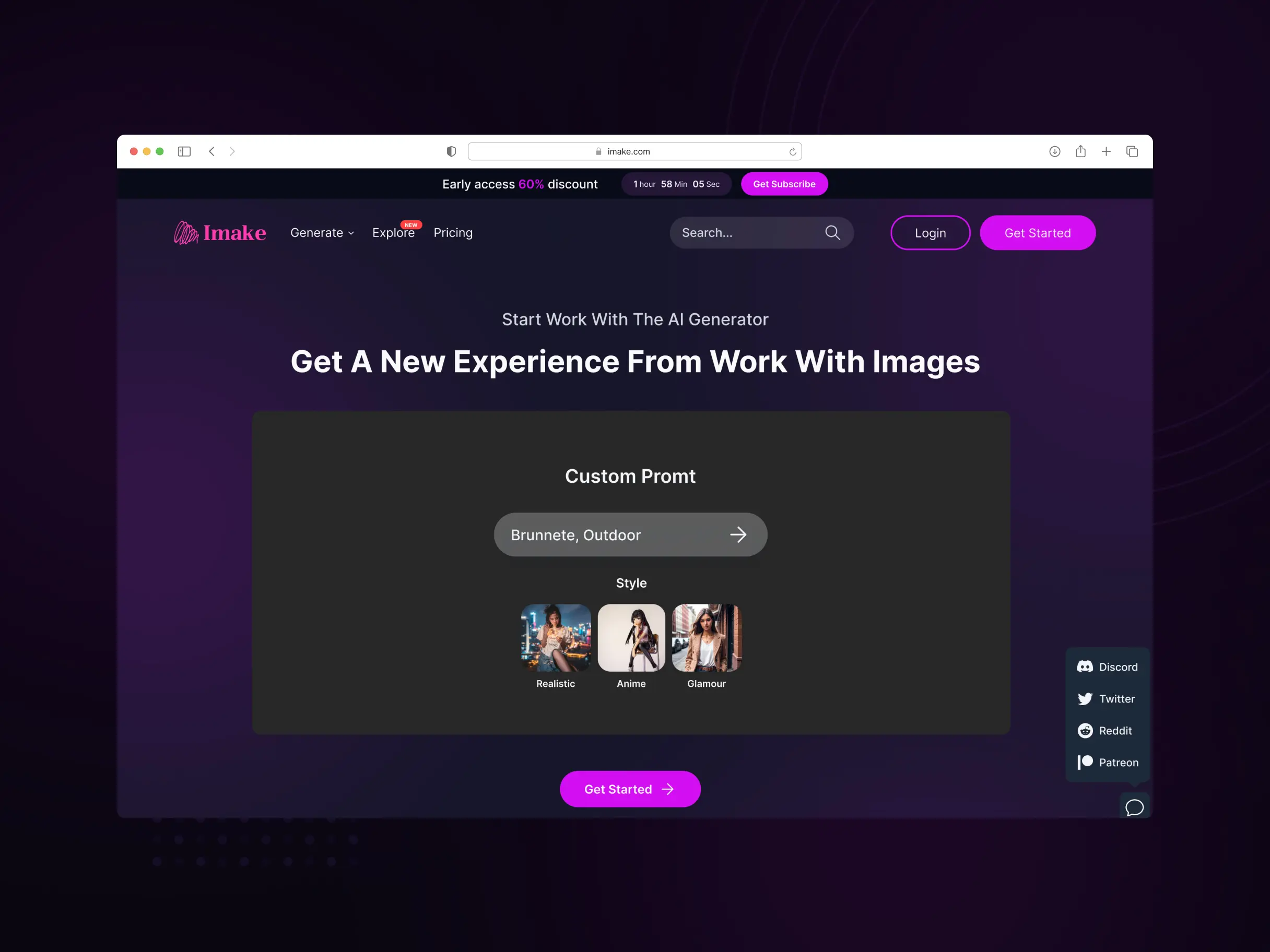
An AI web platform for image generation and editing that brings advanced generative models, style transfer, face replacement and AI upscaling to creatives through one intuitive interface, no technical expertise required.
Domain
Generative AI, creative tools
Platform
Web application
Scope
AI model integration, UX/UI design, full-stack build
Our role
AI engineering, product design, development
Location
Estonia & Ukraine
Year
2023-2025
15+
Screens designed and shipped
How we work
Our interdisciplinary team of AI researchers, computer vision experts and UX designers set out to make professional AI creativity genuinely accessible. We started with deep research into state-of-the-art generative models, including GANs, diffusion models and transformer architectures, while studying how people actually behave inside creative workflows.
Working in an agile rhythm, our AI specialists, UX/UI designers and full-stack developers integrated cutting-edge algorithms for image generation, style transfer and face replacement, all wrapped in user-friendly workflows. We used cloud-based GPU infrastructure for real-time processing and built proprietary optimisation techniques to keep compute costs under control.
The platform architecture supports scalable AI model deployment, so we can keep folding in the latest breakthroughs in generative AI while preserving precise control, high-quality results and a complete editing history throughout the creative process.
Image Generation
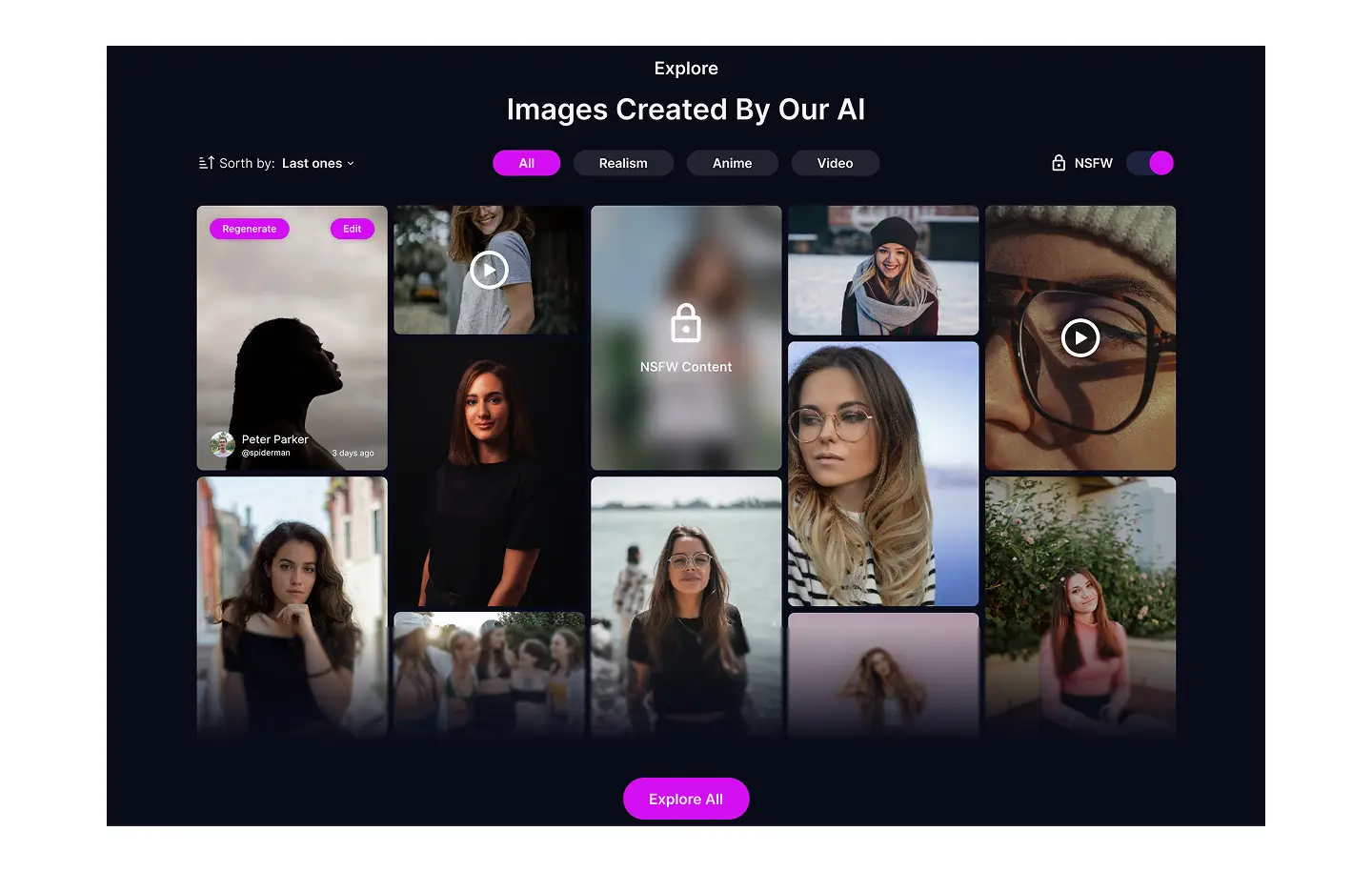
This feature harnesses the power of artificial intelligence to create unique images from scratch. Users can customize various parameters such as colors, shapes, and structures to achieve stunning and creative results.
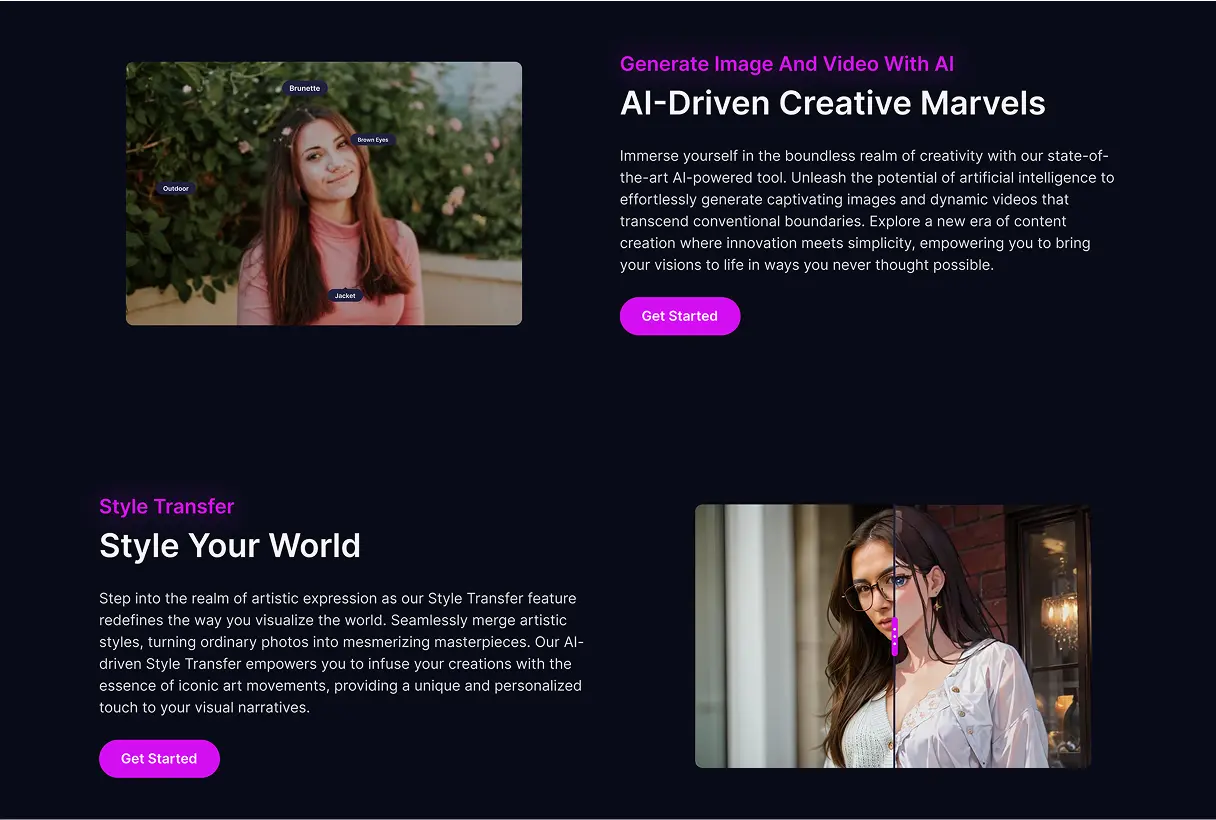
Style Transfer
The “Style Transfer” function allows users to merge different artistic styles with their photos. This enables the creation of unique works of art by transferring characteristic features from well-known styles directly onto the photos.
Face Replacement on Photos
This capability allows users to replace faces in photos using advanced image processing technologies. It is useful for creative projects and can also enhance the quality of photographs.
Mask Select on Image
“Mask Select” provides users with control over selecting and processing specific areas of an image using masks. This is useful for precise editing and creating effects, focusing on specific parts of a photograph.
Image Upscaling
This feature utilizes AI-powered upscaling technologies to improve the quality of images, preventing the loss of details during scaling.
Negative Prompt
The “Negative Prompt” feature allows users to provide a “negative” guidance or prompt to the artificial intelligence algorithm. Instead of a positive command like “make the image brighter,” users can use a negative directive, such as “do not make the image darker.” This provides an additional level of control over image generation outcomes.
Changing History
The “Changing History” function pertains to the ability to view and edit the history of changes in the image processing workflow. Users can go back to previous stages, undo, or modify actions taken during editing. This provides flexibility and control in the creative process, allowing adjustments at various stages of editing.
Result
We delivered a revolutionary AI-powered creative platform that bridges the gap between advanced technology and ease of use. It democratises professional image generation and editing, letting users produce studio-quality results in minutes rather than hours.
- Image Generation – create unique images from scratch, with control over colours, shapes and structures.
- Style Transfer – merge well-known artistic styles with personal photos to craft original artwork.
- Face Replacement – swap faces in photos using advanced image processing for creative projects.
- Mask Select – target and process specific areas of an image with precision.
- Image Upscaling – improve resolution without losing detail.
- Negative Prompt – guide the model with what to avoid for finer control over results.
- Changing History – review, undo and adjust edits at any stage of the workflow.
The result is an intuitive interface that requires no technical knowledge yet offers professional control, real-time GPU-optimised performance and high-resolution output suitable for print and commercial use.
FAQ
Couldn't find what you were looking for? write to us at hello@myplanet.design
What can the AI image platform do?
It combines image generation, style transfer, face replacement, mask-based selection, AI upscaling, negative prompts and a full editing history in one web interface, so you can create and refine visuals without technical expertise.
Do users need machine learning knowledge to use it?
No. The platform wraps advanced AI models in an intuitive interface that requires no technical knowledge while still offering professional, precise control over every result.
What kind of output quality does it produce?
Studio-quality results in minutes rather than hours, with high-resolution output suitable for print and commercial use, powered by real-time GPU-optimised processing.
How does style transfer and face replacement work?
Style transfer merges characteristic features of well-known artistic styles directly onto your photos, while face replacement swaps faces using advanced image processing, both useful for creative projects.
Your first 7 days are free.
Scope a 1-month+ project
First 7 days free
Continue only if impressed
No risk · Real deliverables · Walk away after the week, no fee
A full week of our design team on your product — to kick off a 1-month+ engagement.
2 of 5 onboarding slots left this month